 Clear'dBeta
Welcome to the Clear'd documentation! This guide will help you quickly get started with the system.
You can register through the sign-up form.
After completing the steps, the last step is to add your name before you can use the system.
To add a store, click the “Add Store” button on the My Stores page.
When adding a store, you will receive a string that you need to add as a TXT record in your domain’s DNS settings.
Example TXT record:
cleard-domain-verification=3877e721-9ced-4264-ab93-7c6d99d35c60
Here is an example of how adding a TXT record looks in DNS settings for hosting provided by Vercel.
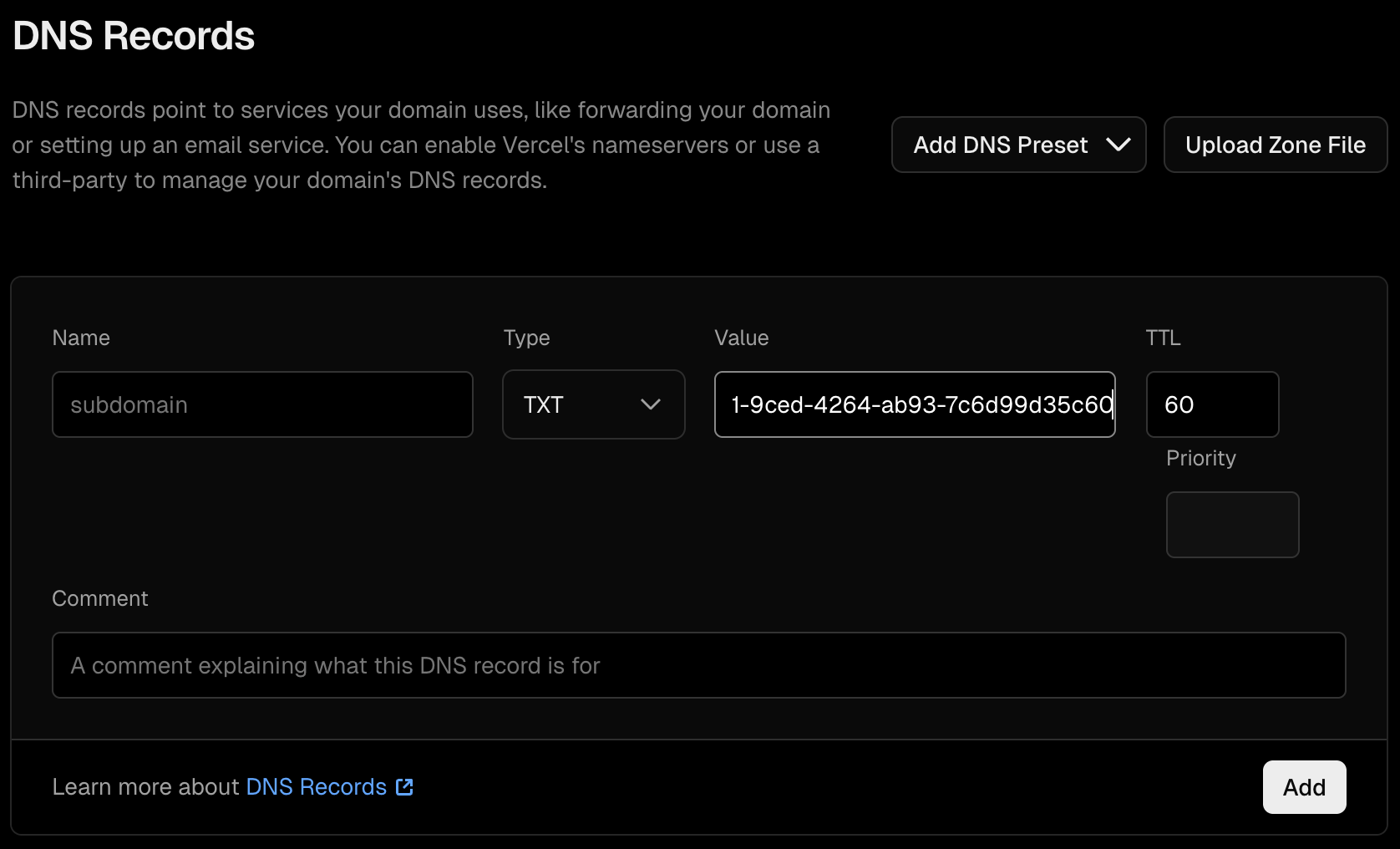
This is how to add a subdomain TXT record:
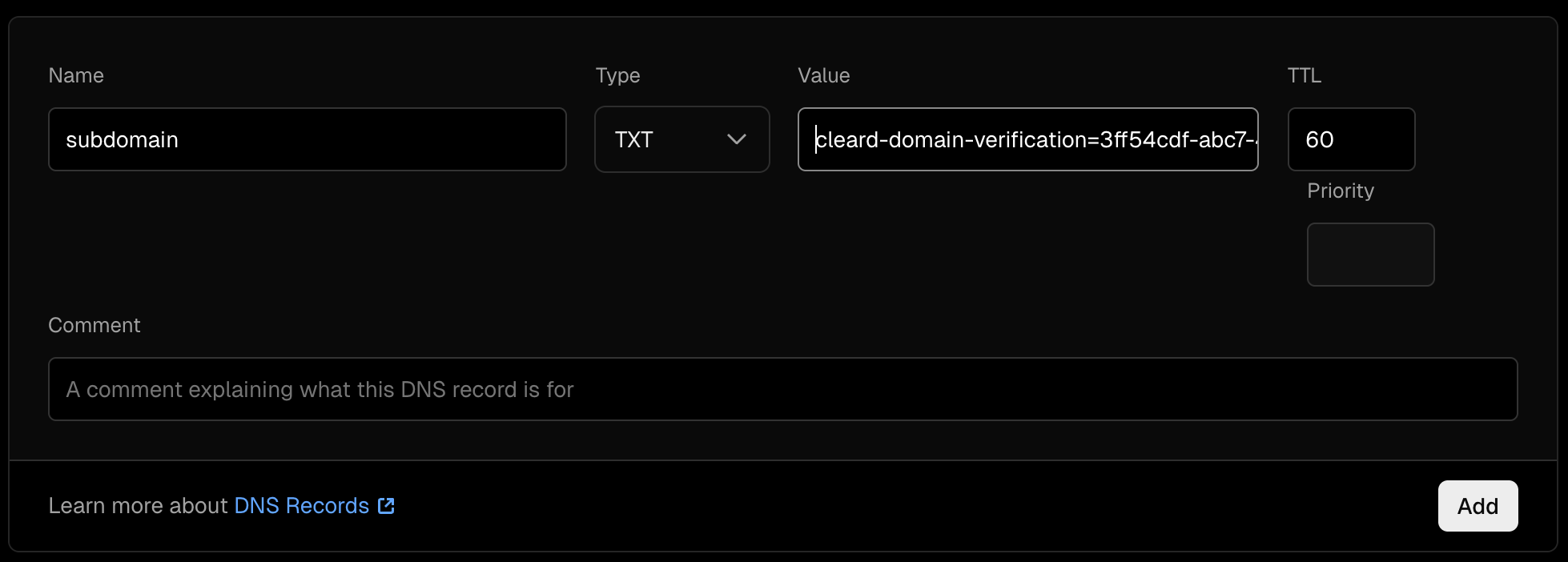
After you successfully add the TXT record, your site will be validated within 10 minutes.
Alternatively, you can upload a cleard.txt file with the record as content to the root of your store.
The next step is to configure your store to record actions when an order is placed or when a product rating is added. You can find detailed instructions in the Store Configuration category.
We use cookies
We use cookies to improve your experience, analyze site traffic, and personalize content. Learn more